
Effective 9/1/2026
You can update personal information and manage access permissions directly from the online portal if you are a Key Contact.
Manage Portal Users
If you are a designated key contact, you may:
- Create new users
- Edit existing users
- Manage user permissions
Steps to Manage Users as a Key Contact
Log in to the online portal
Click Manage Users in the utility menu
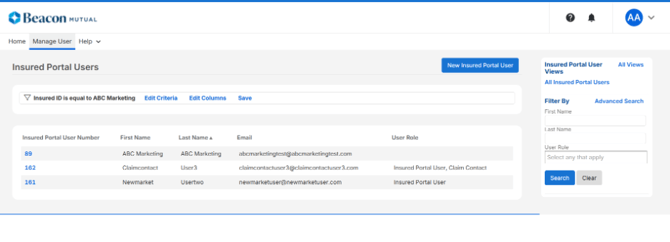
1. To add a user, click New Insured Portal User blue button at the top right and enter the first name, last name, email address, and select the applicable user roles. Click save.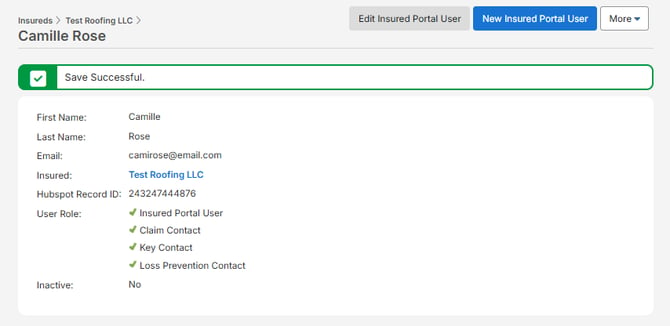
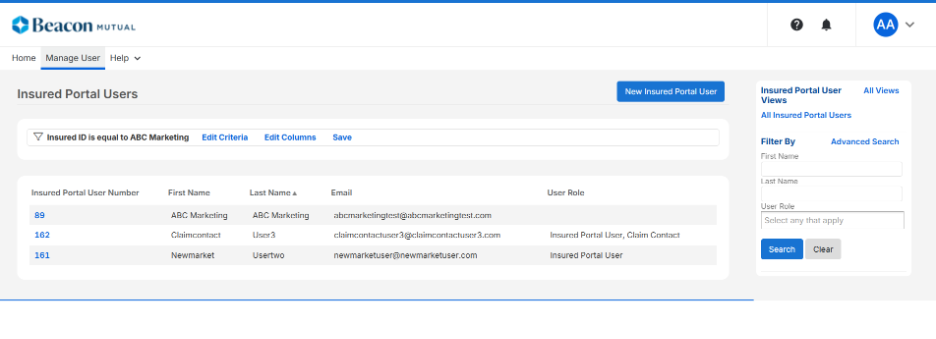
2. To edit a user, click on the blue Insured Portal User Number in the left column. Once the user record is open, click edit. Make any applicable changes and click save.
 Note: Key Contacts will receive confirmation emails when new users are created or edited.