
Effective 9/1/2026
Overview
The Agency Dashboard provides access to active proposals, pending tasks, status updates, and submission workflows. Agents can monitor proposal progress and take action as needed.
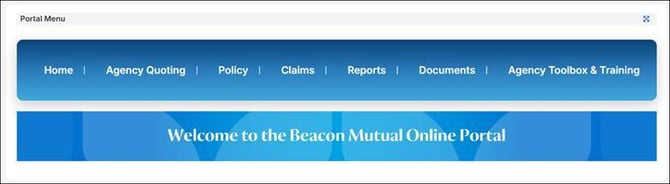
Manage Your Proposal
- Log in to the Agency Portal.
- Navigate to the Agency Dashboard.
- Locate the proposal within your proposal list.
- Select the proposal name.
- Review current status and outstanding tasks.
- Make updates as needed.
- Save changes.
- Recalculate rating if payroll or classification information changes.
Proposal Statuses
These statuses help agents track where a submission is within the quoting process.
- Submitted
- Proposed
- Proposal Requested
- Bound
- Incomplete
- Rejected
Update a Proposal
- Open the proposal.
- Select Edit Proposal.
- Make necessary updates.
- Save your changes.
- Select Run Rating Calculations.
- Review updated premium results.
Best Practices
- Run Rating Calculations after every change.
- Review open underwriting tasks regularly.
- Monitor proposal status widgets for updates.
FAQ
Why do I see outstanding tasks?
In the My Tasks section, you’ll find information on any tasks where action is required before the proposal can move forward.