Overview
BEACONNECT uses user roles to control what policyholders and agency users can see and do within the portal.
Roles help ensure users only have access to the information and tools they need.
Some roles are assigned automatically, while others are managed by a Key Contact for your organization.
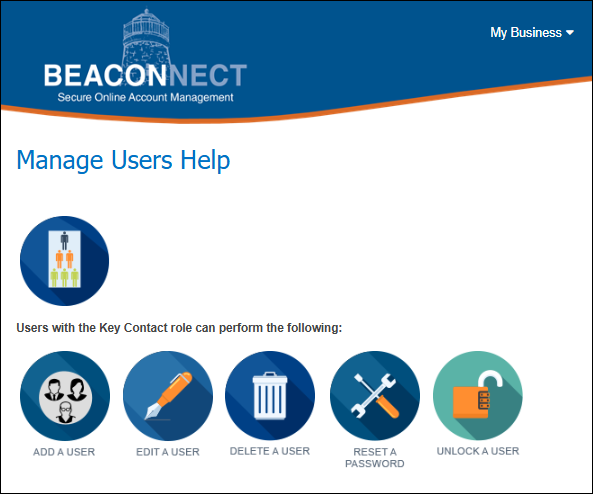
If you are a Key Contact in the BEACONNECT portal, you can manage your users and their roles.
Managing Users and Roles
Only users with the Key Contact role can manage users and roles in BEACONNECT.
To manage users:
- Log into BEACONNECT
- Select Manage Users from the top navigation
- Choose a user to review, update, unlock, or delete their profile
Policyholder User
The Policyholder User role is the default role if no other roles are applied to a policyholder’s user profile.
This role provides:
- Limited, view‑only access
- Access to public content only
Note: If a policyholder user has none of the additional roles listed below, they will only be able to see standard insured information in view‑only mode.
Key Contact
The Key Contact role allows a user to manage access for others within their organization.
Key Contacts can:
- Add users
- Update user roles
- Delete users
- Unlock user accounts
Your organization can have more than one Key Contact.
Policy Administrator
The Policy Administrator role provides access to key policy and claims information.
This role allows a user to:
- View My Business
- View Claims information
- Print or export claims for a Claims Loss Run Report
- Access the Loss Prevention tab within My Business
Report Claim
The Report Claim role allows a user to:
- Report claims online through BEACONNECT
For step‑by‑step instructions, see the Report Claim Help page.
Loss Prevention Contact
The Loss Prevention Contact role allows a user to:
- View the Loss Prevention tab within My Business
- Access loss prevention documents
A user with only the Loss Prevention role will see only the Loss Prevention tab in My Business.
Payroll Contact
The Payroll Contact role allows a user to:
- Access TruPay / Pay As You Go
- Upload payroll information
Need Help?
If you are unsure which role you need or cannot access a feature:
- Contact your organization’s Key Contact, or
- Browse the knowledge base at help.beaconmutual.com for additional BEACONNECT support articles or view the Manage Users help page for instructions: